How to Make and Edit an M3U Playlist (No Special M3U Editor Needed)
You can create and edit an M3U playlist with any text editor. Follow this step-by-step guide to add names, groups and logos, link a TV guide, and avoid common mistakes.

Sommaire
01What you need02Step 1: start the file03Step 2: add your first entry04Step 3: add the rest and group them05Step 4: save it correctly06Step 5: test it07Editing an existing playlist08Common mistakes09Keep it legalAn M3U playlist is plain text, so the best M3U editor is one you already have: Notepad, TextEdit or any code editor. In ten minutes you can build a tidy playlist of your own streams, with names, groups and logos, and connect it to a TV guide.
If you are new to the format, start with what is an M3U file. This guide is the hands-on part.
What you need
- A text editor that can save plain text in UTF-8.
- The addresses of streams or videos you are allowed to use: your own recordings, your organisation's channels, or links your service gives you.
- Optionally, the address of an XMLTV guide.
Step 1: start the file
Create a new file and type the header on the first line:
#EXTM3U
If you have a guide, add it to the header:
#EXTM3U x-tvg-url="https://guide.example.com/epg.xml"
Step 2: add your first entry
Each entry is two lines: an #EXTINF line with the details, then the address.
#EXTINF:-1 tvg-id="studio.one" tvg-logo="https://img.example.com/studio-one.png" group-title="Studio",Studio One
https://stream.example.com/studio-one/index.m3u8
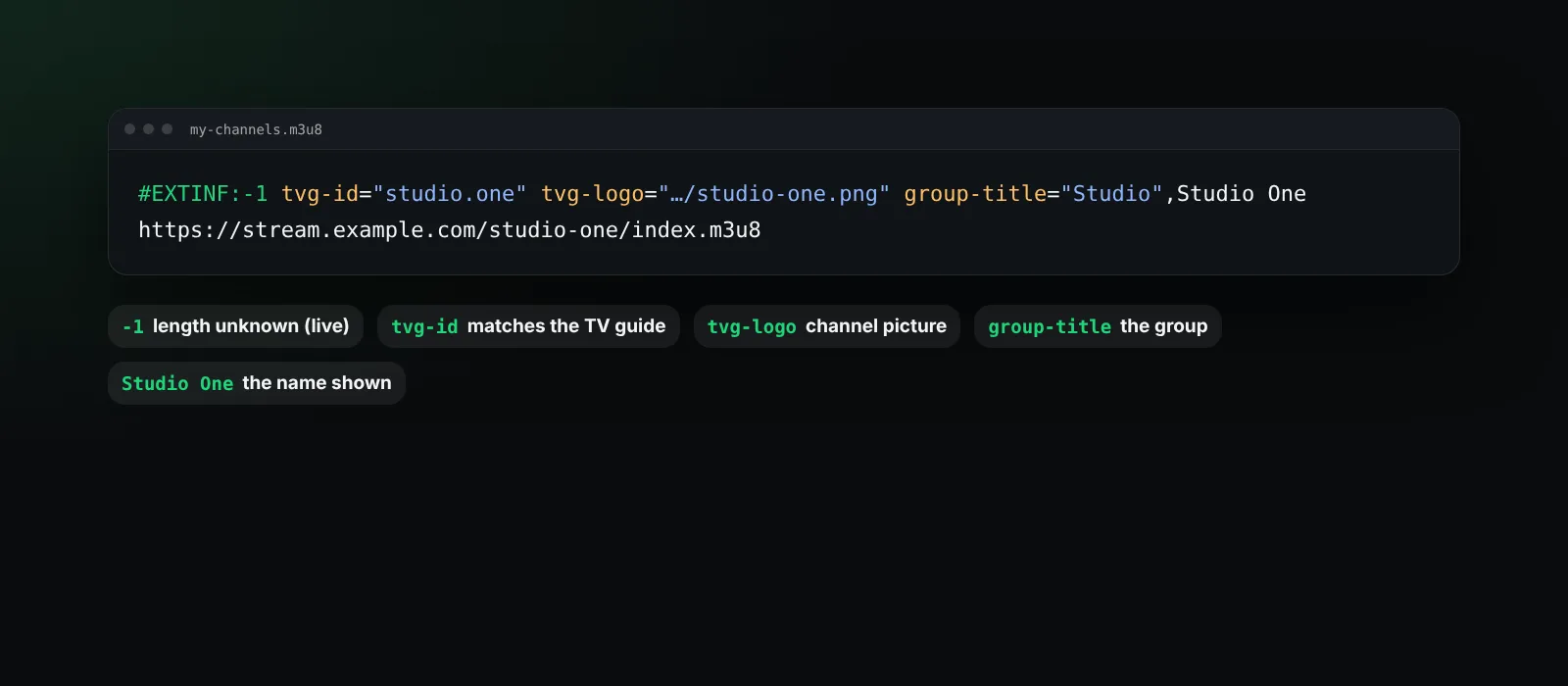
-1means the length is unknown, which is right for live streams. For a video file you can put its length in seconds.tvg-idlinks the entry to the guide. It must match the guide's channel ID exactly.tvg-logois a picture shown next to the name.group-titleputs the entry in a group, such as News or Training.- The text after the comma is the name players display.
Step 3: add the rest and group them
Repeat for every entry. Players show groups in the order they first appear, so keep entries of the same group together:
#EXTINF:-1 group-title="Training",Safety Basics
https://media.example.com/training/safety-basics.mp4
#EXTINF:-1 group-title="Training",First Aid Refresher
https://media.example.com/training/first-aid.mp4
Step 4: save it correctly
- Choose UTF-8 encoding.
- Save with the
.m3u8extension (or.m3u). The.m3u8extension tells players to expect UTF-8. - In TextEdit on a Mac, use Format, Make Plain Text before saving; in Notepad choose "All files" so it does not add
.txt.
Step 5: test it
To play a playlist in BetterStream, it needs to be reachable at an address. Upload it somewhere you control that gives a direct link to the file, then open BetterStream, go to Plugins, choose Add plugin and paste the address. BetterStream lists your groups, checks each entry, and shows the guide when the IDs match. The M3U player guide covers the details.
Editing an existing playlist
- Rename a channel: change the text after the last comma on its
#EXTINFline. - Move it to another group: edit
group-title. - Remove an entry: delete both of its lines.
- Fix a missing guide: set its
tvg-idto the matching ID from the guide file. See what is an EPG. - Large files: use your editor's find and replace, and keep a backup copy before big changes.
Common mistakes
| Mistake | Result |
|---|---|
Missing #EXTM3U on the first line |
Names, groups and logos are ignored |
| Curly quotes such as “News” instead of "News" | Attributes are not read |
An empty line between #EXTINF and the address |
The entry may lose its name |
Saving as .m3u8.txt |
Players do not recognise the file |
| A space inside an address | That entry fails to load |
Keep it legal
Only put streams in your playlist that you have the right to use and share. A playlist is just a list; the responsibility for what it points to stays with whoever uses it. BetterStream comes empty and does not provide or recommend playlists.
Frequently asked questions
What is the best M3U editor?
Any plain-text editor works. Code editors with syntax colouring and find and replace make large playlists easier.
Can I make an M3U playlist on my phone?
Yes, with a text editor app that saves plain UTF-8 files, but a computer is easier for long lists.
Should I use .m3u or .m3u8?
Use .m3u8 for playlists with names in any language, since it signals UTF-8 encoding.
How do I add a logo to a channel?
Add tvg-logo="https://..." with the address of a picture to the entry's #EXTINF line.
Questions? Visit the help center.